Focus timer for Android
Find your cadence.
Cadence is a timer for focused work. You build sessions from work and break phases exactly the way you need them — and the app counts them down for you.
Features
What Cadence does
Four things, no more. No point system, no wall of statistics, no streaks.
-
Build your own sessions
As many work and break phases as you like, each with its own length. The classic 25/5, 50/10 for deep work — or your own rhythm.
-
A timer that stays out of the way
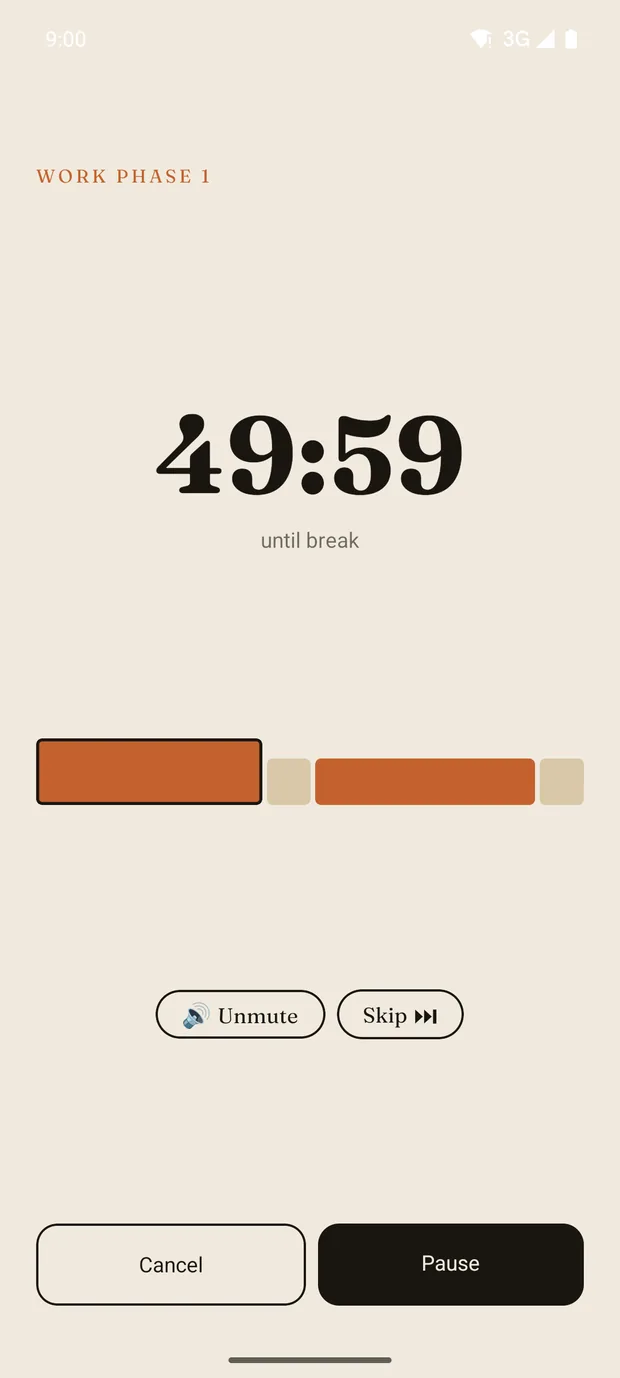
Large digits, and the phase bar shows where you are. The colour changes between work and break so you notice without looking.
-
Ambient sounds
White or brown noise, rain, train ride or silence — set separately for work and break phases.
-
Keeps running in the background
Screen off, app in the background: the timer keeps running. A local notification tells you when the phase changes.
In four steps
How it works
-
Create a session
Add phases, set the minutes.
-
Choose a sound
One sound per phase type, plus the volume.
-
Start
The timer runs, you work.
-
Done
At the end you see your focus time.
Screen by screen
What Cadence looks like
-
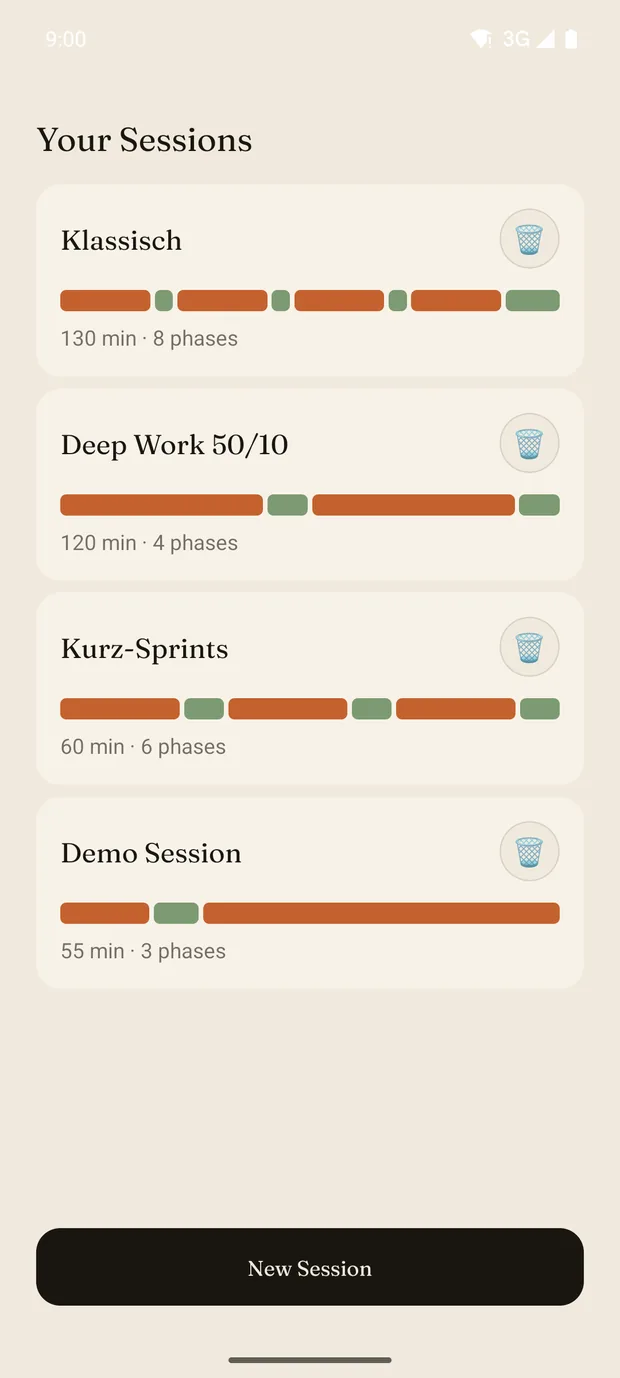
Your sessions -
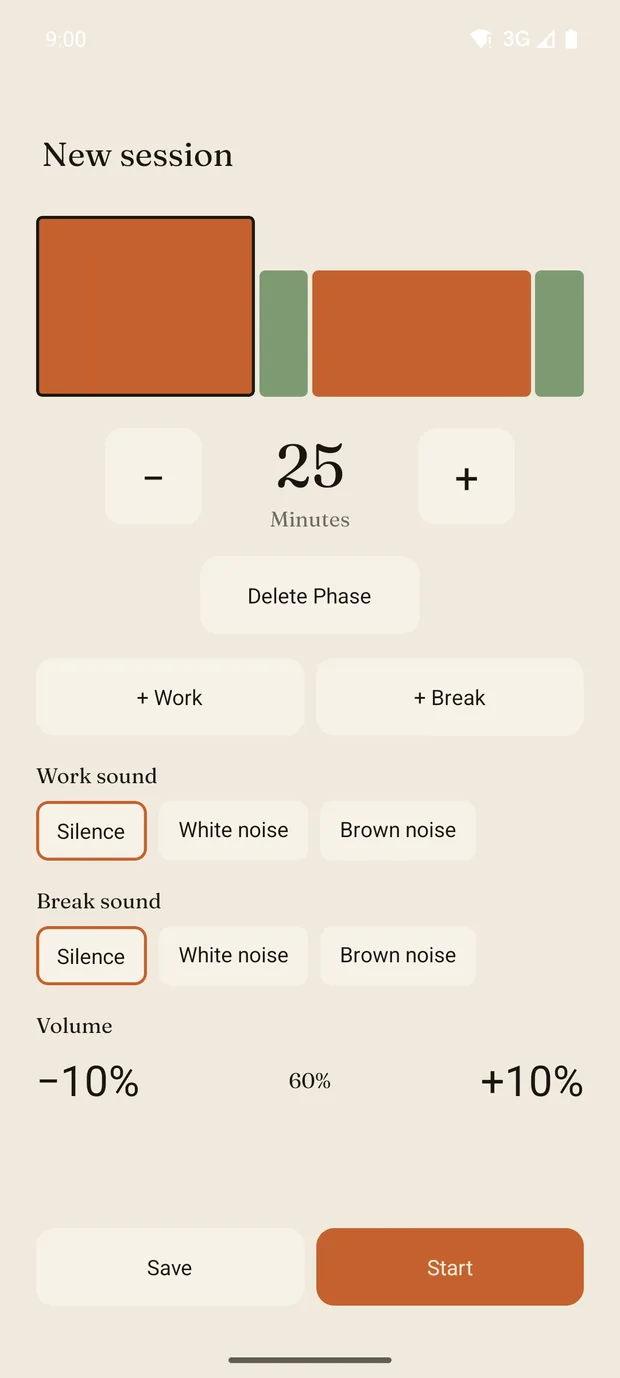
Session builder -
Running timer -
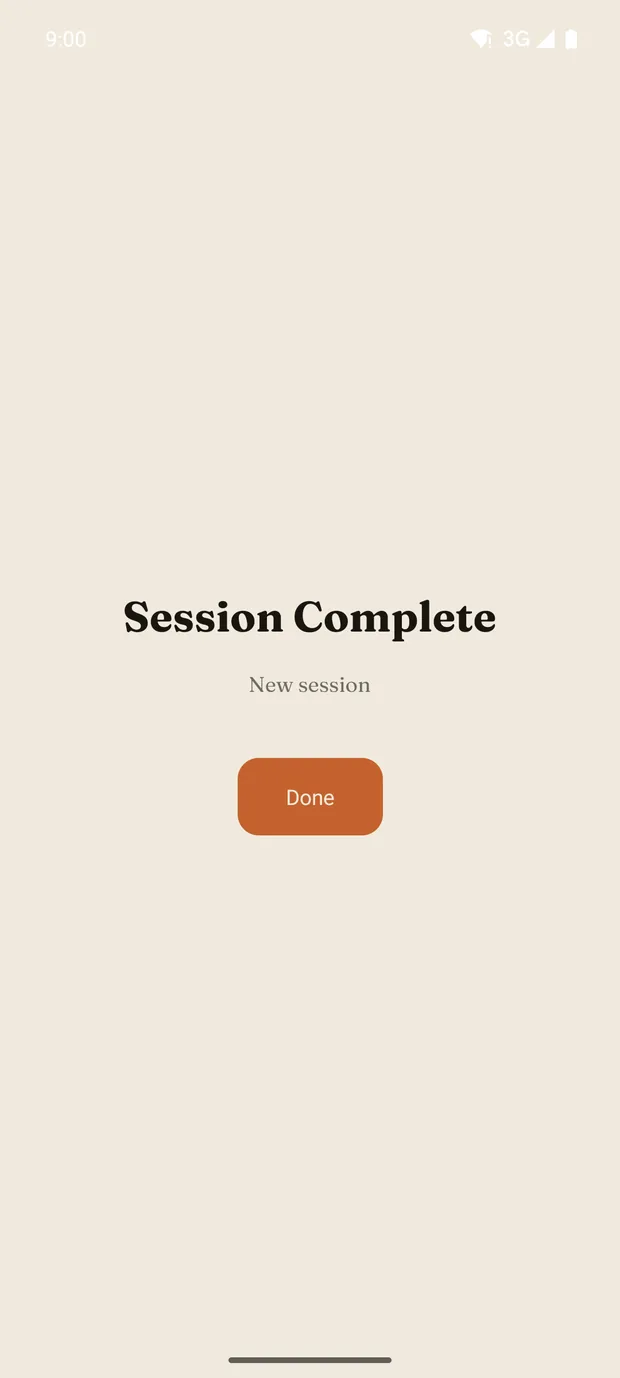
Complete
Privacy
Everything stays on your device.
Cadence has no server. Your sessions live in your phone's storage and never leave it. There is no account, no sign-in, no tracking and no advertising. The app needs no internet connection.
- No account needed
- No data transmission
- No analytics SDKs
- No advertising
Questions
Frequently asked
- What does Cadence cost?
- The app is free and contains no advertising.
- Do I need an account?
- No. Cadence works without a sign-in and without an internet connection.
- Does the timer keep running when I turn off the screen?
- Yes. The timer keeps running in the background and notifies you when the phase changes.
- Is there an iPhone version?
- Cadence launches on Android first. An iOS version is technically prepared.